Unlocking the Full Potential of Your Streaming Device
Android TV boxes have become a popular solution for turning regular TVs into smart entertainment hubs. They allow users to stream movies, TV shows, live sports, and international channels seamlessly. With the rise of IPTV apps tailored for Android TV boxes in 2025, viewers now have access to more content, better interfaces, and smoother streaming experiences than ever before.
This guide explores the top IPTV apps available for Android TV boxes, features to consider, setup instructions, and tips to maximize your streaming experience.
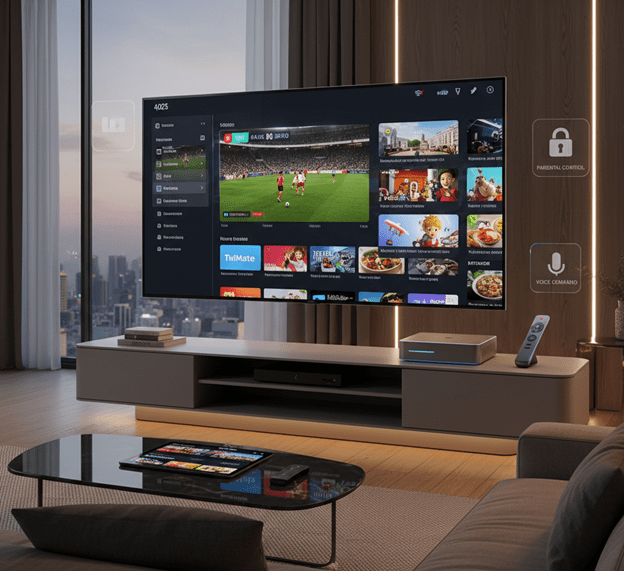
Why Android TV Boxes Are Ideal for IPTV
Android TV boxes provide a powerful platform for IPTV streaming because of their versatility and hardware capabilities. Unlike Smart TVs, Android TV boxes often receive frequent updates, support third-party apps, and allow more advanced customization options. Key advantages include:
- App Variety: Android TV boxes can install a wide range of IPTV apps directly from the Google Play Store or via APK files.
- High Performance: Modern devices support 4K UHD, HDR, and high frame rates, ensuring smooth, high-quality streaming.
- Expandable Storage: Many boxes allow external storage, useful for downloading content or recording live TV.
- Multi-Device Streaming: Most IPTV apps support simultaneous streams, so multiple household members can watch different content at the same time.
Top IPTV Apps for Android TV Boxes in 2025
Choosing the right IPTV app is crucial for an enjoyable experience. Here are some of the most reliable and feature-rich IPTV apps for Android TV boxes:
- IPTV Smarters Pro
IPTV Smarters Pro is one of the most popular IPTV apps for Android devices. Its intuitive interface makes navigation easy, and it supports:
- Live TV, VOD, and catch-up features.
- EPG (Electronic Program Guide) for easier channel navigation.
- Multiple playlist support.
- Parental control options.
- TiviMate
TiviMate is highly recommended for Android TV boxes due to its sleek design and robust features:
- Modern, user-friendly interface designed for TV screens.
- Playlist management and favorites list.
- Scheduled recording and EPG integration.
- Support for multiple IPTV services.
- XCIPTV Player
XCIPTV Player is known for stability and compatibility with various IPTV formats:
- Supports M3U, Xtream Codes, and other playlist formats.
- Customizable interface with multiple layout options.
- Catch-up TV and VOD support.
- Reliable performance with minimal buffering.
- Perfect Player IPTV
Perfect Player IPTV is a lightweight, highly configurable app that works well on lower-end Android TV boxes:
- Advanced playlist and EPG management.
- Transparent OSD (on-screen display) overlays.
- IPTV channel grouping for easy navigation.
- Background playback support.
Essential Features to Consider When Choosing an IPTV App
When selecting an IPTV app for your Android TV box, consider the following:
- Compatibility: Make sure the app supports your playlist format and Android TV OS version.
- Video Quality Options: Look for apps that allow 4K UHD, HD, and adaptive bitrate streaming.
- EPG Integration: An Electronic Program Guide makes browsing channels more convenient.
- Multi-Screen and Multi-Device Support: Ideal for families or shared households.
- Parental Controls: Ensure children can only access age-appropriate content.
- Offline or Catch-Up Functionality: Some apps let you record or replay content for later viewing.
How to Set Up IPTV Apps on an Android TV Box
Setting up IPTV on an Android TV box is straightforward:
- Install the IPTV App: Download from Google Play Store or sideload an APK.
- Add Playlist or Subscription: Input your M3U playlist URL or Xtream Codes credentials.
- Configure Preferences: Adjust video resolution, enable subtitles, and customize the interface.
- Start Streaming: Navigate through live channels, VOD, or catch-up content effortlessly.
Some apps may also offer features like parental controls, favorites lists, and automatic channel updates. Make sure to explore the settings for the best experience.
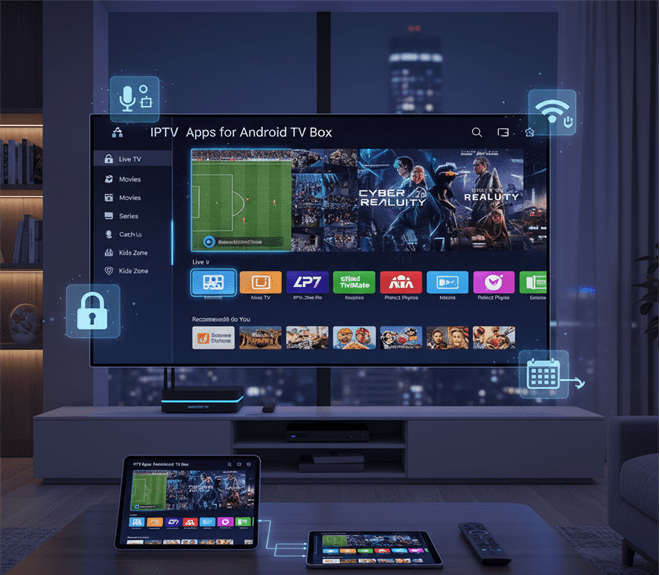
Optimizing Your IPTV Experience
To enjoy uninterrupted streaming:
- Use a Wired Ethernet Connection: Wi-Fi can work, but wired connections provide more stability for HD and 4K streams.
- Keep Your Device Updated: Firmware and app updates often include performance enhancements and bug fixes.
- Use a VPN if Needed: Access region-restricted content safely and maintain privacy while streaming.
- Regularly Clear Cache: Prevent lag by clearing temporary files and app cache periodically.
Content Options Available via IPTV Apps
Android TV boxes combined with IPTV apps give you access to an expansive range of content:
- Live TV: Sports, news, entertainment, and international channels.
- Movies and Series: Stream the latest releases and full-season series.
- Catch-Up TV: Replay shows and sports events you may have missed.
- Kids’ Channels and Educational Content: Family-friendly options for children.
- Special Interest Channels: Cooking, travel, tech, and lifestyle channels.
Many apps also allow advanced search and filtering, helping you find specific content quickly.
The Future of IPTV on Android TV Boxes
In 2025, IPTV apps are evolving beyond just channel streaming. Key trends include:
- AI Recommendations: Personalized content suggestions based on your viewing habits.
- Interactive Features: Live voting, polls, or chat during events.
- Voice Integration: Control playback, search content, or switch channels using voice commands.
- Hybrid Streaming: Combining live TV, VOD, and cloud DVR for a seamless experience.
These innovations ensure that Android TV boxes remain central to home entertainment for years to come.
Conclusion
IPTV apps for Android TV boxes provide a powerful, flexible, and immersive entertainment solution. With options like IPTV Smarters Pro, TiviMate, and XCIPTV Player, viewers can enjoy live channels, on-demand movies, and international content with ease. By choosing the right app, setting it up correctly, and optimizing your device, your Android TV box can become a complete entertainment hub, offering high-quality streaming, personalized recommendations, and multi-device support.
Android TV boxes in 2025 are no longer just media devices—they’re gateways to an expansive world of content, giving viewers control over what they watch and how they watch it.