The Ultimate Guide to Seamless Streaming
Smart TVs have completely transformed home entertainment. Today, viewers can access movies, series, live sports, news, and international channels with just a few clicks. With IPTV services advancing rapidly in 2025, streaming on Smart TVs has become smoother, more versatile, and more immersive than ever before.
Whether you’re looking to catch your favorite sports game, watch the latest blockbuster, or explore international content, IPTV on Smart TV delivers all of it in high-definition with minimal hassle. Here’s everything you need to know to get the best experience.
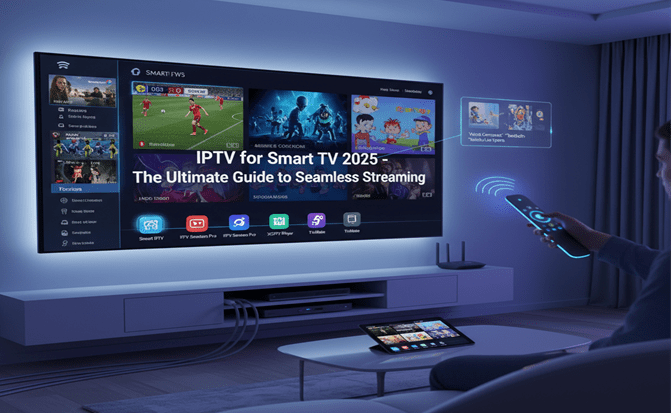
Why IPTV on Smart TV Is a Game Changer in 2025
Streaming directly on a Smart TV eliminates the need for extra devices like set-top boxes, media players, or streaming sticks. Modern IPTV services are designed to take full advantage of Smart TV hardware, ensuring smooth navigation, fast channel switching, and high-quality playback.
Some of the key advantages in 2025 include:
- 4K and UHD Streaming: Many IPTV providers now offer 4K and even UHD content, making it easy to enjoy cinema-quality visuals from the comfort of your home.
- Minimal Buffering: With faster servers and optimized streaming protocols, buffering and lags are significantly reduced, even for high-resolution streams.
- Intuitive User Interfaces: Modern IPTV apps for Smart TVs have sleek designs, customizable menus, and built-in content search features.
- Multi-Screen Viewing: Many services allow multiple streams on different devices simultaneously, ideal for households with diverse viewing preferences.
- Personalized Recommendations: AI-driven features now suggest content based on your watch history, making discovery easier than ever.
Top IPTV Apps for Smart TVs in 2025
Choosing the right IPTV app is crucial to getting the most out of your Smart TV. In 2025, several apps stand out for their reliability, features, and user experience:
- Smart IPTV (SIPTV) – Offers stable streaming, regular updates, and support for multiple playlists.
- IPTV Smarters Pro – Known for its clean interface, live TV, catch-up functionality, and EPG (Electronic Program Guide).
- XCIPTV Player – Compatible with a wide range of IPTV subscription formats, offering smooth playback and channel management.
- TiviMate – Popular for Android-based Smart TVs, providing modern design, playlist management, and advanced recording features.
Tips for Choosing the Right IPTV App
When selecting an IPTV app for your Smart TV, consider the following factors:
- Device Compatibility: Not all apps are available for every Smart TV OS. Check whether your device runs on Tizen, webOS, Android TV, or another platform.
- Content Library: Ensure the app supports the channels, movies, or series you want to watch. Some apps focus on sports, others on movies or international channels.
- Performance: Look for apps that offer smooth navigation and minimal buffering, even during peak usage times.
- Support and Updates: Opt for apps with reliable customer support and frequent updates to prevent downtime and maintain securit
How to Set Up IPTV on Your Smart TV in 2025
Setting up IPTV is easier than ever. Here’s a simple step-by-step guide:
- Download the IPTV App: Most apps are available directly from your Smart TV’s app store.
- Add Your Playlist or Subscription: Use your subscription credentials or upload an M3U playlist to the app.
- Configure Settings: Adjust video quality, enable subtitles, or set up parental controls according to your preferences.
- Start Watching: Browse live channels or on-demand content seamlessly. Many apps also offer search functions, favorites lists, and EPG integration.
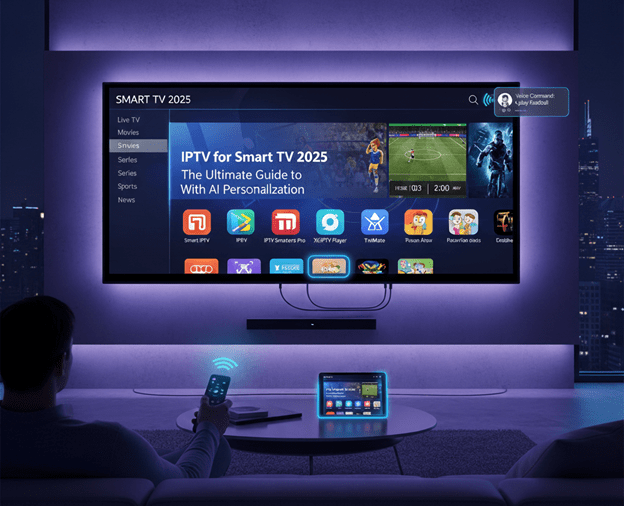
Optimizing Your IPTV Experience on Smart TV
Even with modern apps, performance can be influenced by network and device settings. To ensure the best experience:
- Use a Wired Connection: Ethernet connections are more stable than Wi-Fi, reducing buffering during high-definition streams.
- Keep Firmware Updated: Smart TV manufacturers frequently release updates that improve performance, security, and app compatibility.
- Use a VPN if Needed: Access geo-restricted content safely and maintain privacy while streaming.
- Clear Cache Regularly: Some IPTV apps store temporary data; clearing it can improve speed and responsiveness.
Content Options You Can Enjoy on Smart TV IPTV
In 2025, IPTV content options are vast and diverse:
- Live TV: Sports, news, and international channels are accessible in real-time.
- On-Demand Movies & Series: Stream the latest releases without waiting for broadcast schedules.
- Catch-Up TV: Missed an episode? Many apps now allow you to replay content from the past week or month.
- Kids & Educational Channels: Family-friendly IPTV packages include cartoon channels, documentaries, and educational content.
- Special Interest Channels: Niche IPTV packages now cover travel, cooking, tech, and more.
The Future of IPTV on Smart TVs
IPTV is evolving rapidly. In 2025, we’re seeing features that go beyond basic streaming:
- AI-Powered Recommendations: Personalized suggestions make it easier to find content you’ll enjoy.
- Interactive Features: Some apps allow live voting, chat, and polls during broadcasts.
- Voice-Control Navigation: Modern Smart TVs now integrate voice commands with IPTV apps for effortless channel switching.
- Hybrid Streaming Services: IPTV services are combining live channels with on-demand content and cloud DVR functionality.
Conclusion
IPTV on Smart TVs in 2025 offers unparalleled convenience, flexibility, and quality. With apps optimized for various platforms, support for 4K content, and advanced personalization features, streaming has never been more enjoyable. By choosing the right app, optimizing your setup, and exploring diverse content options, your Smart TV can become the central hub for home entertainment, delivering live channels, on-demand movies, and international programming—all in stunning clarity.