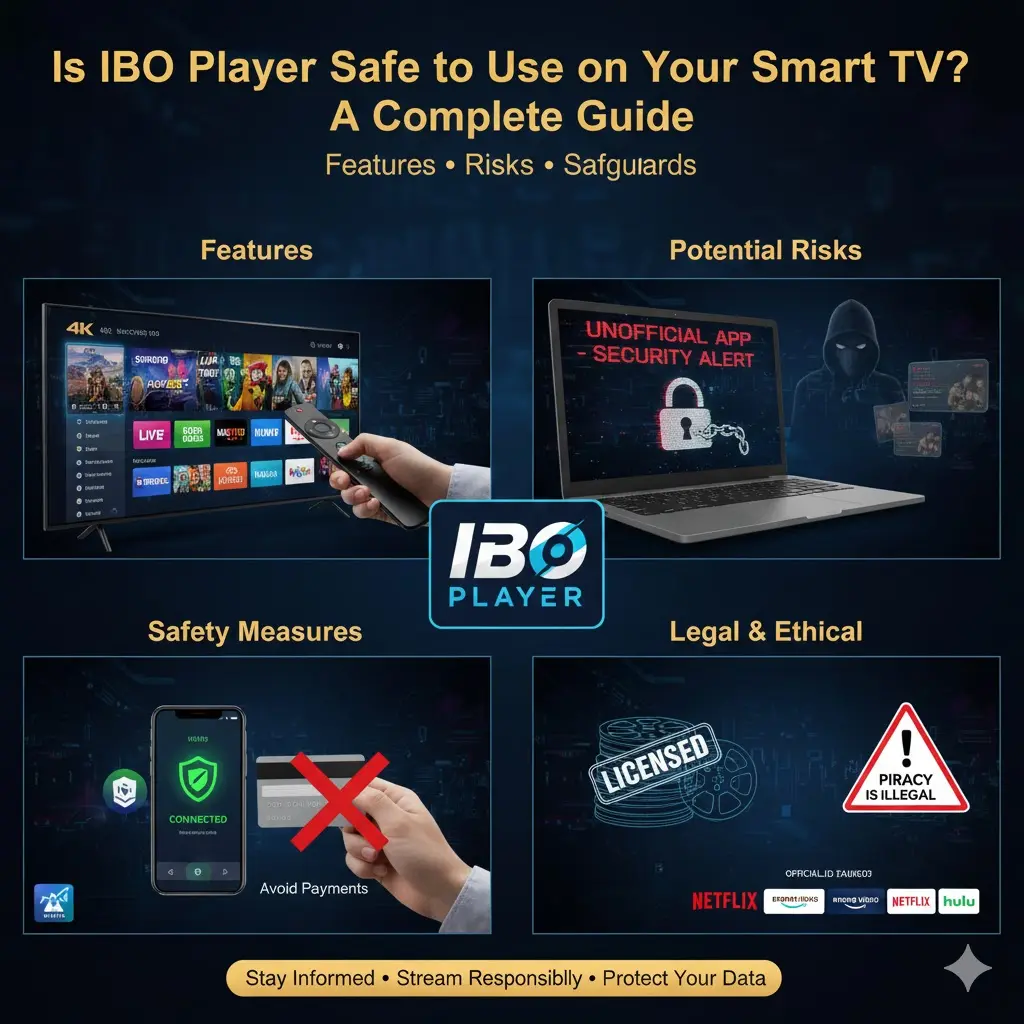
In the age of smart TVs, streaming platforms have become the primary source of entertainment for millions of households worldwide. One application that has gained attention among users is IBO Player, which promises access to live television channels, movies, and sports content. However, many viewers wonder: Is IBO Player safe to use on a Smart TV? This article provides a detailed overview of IBO Player, its features, potential risks, and safety considerations to help you make an informed decision.
[elementor-template id=”2191″]
Features of IBO Player
Before assessing its safety, it’s important to understand the features that make IBO Player appealing:
- Live TV Channels:Access to hundreds of international channels, including news, entertainment, and sports networks.
- On-Demand Content:Some versions of the app allow users to watch movies, series, and recorded broadcasts.
- Sports Streaming:Many users turn to IBO Player for live sports events, including football, basketball, and other major tournaments.
- Multi-Device Compatibility:The app supports Smart TVs, Android boxes, smartphones, and tablets.
- User-Friendly Interface:Easy navigation with categories, search functions, and customizable favorites lists.
Potential Risks of Using IBO Player
While the app offers convenience, there are important safety considerations to be aware of:
- Legality of Content
IBO Player is not an officially licensed streaming service. Many of the channels and content offered through the app may not have proper distribution rights. Streaming unlicensed content can be considered illegal in some countries, which may lead to legal complications for users. It is important to understand your country’s laws regarding streaming copyrighted material before using such apps. - Security Concerns
As an unofficial app, IBO Player may pose certain security risks. Downloading the app from unverified sources can expose your Smart TV or other devices to malware, spyware, or malicious software. These threats can compromise personal data, such as login credentials or sensitive information stored on your device. - Ads and Pop-Ups
Some versions of IBO Player display third-party advertisements or pop-ups. While these ads may seem harmless, they can sometimes redirect users to unsafe websites or phishing attempts. Clicking on unknown links can put your device at risk. - Stability and Updates
Unofficial apps often lack regular updates and support. This can result in frequent crashes, streaming interruptions, or compatibility issues with your Smart TV’s operating system. An unstable app may also cause overheating or performance issues on some devices.
Safety Measures for Using IBO Player
If you choose to use IBO Player on your Smart TV, there are several steps you can take to minimize risks:
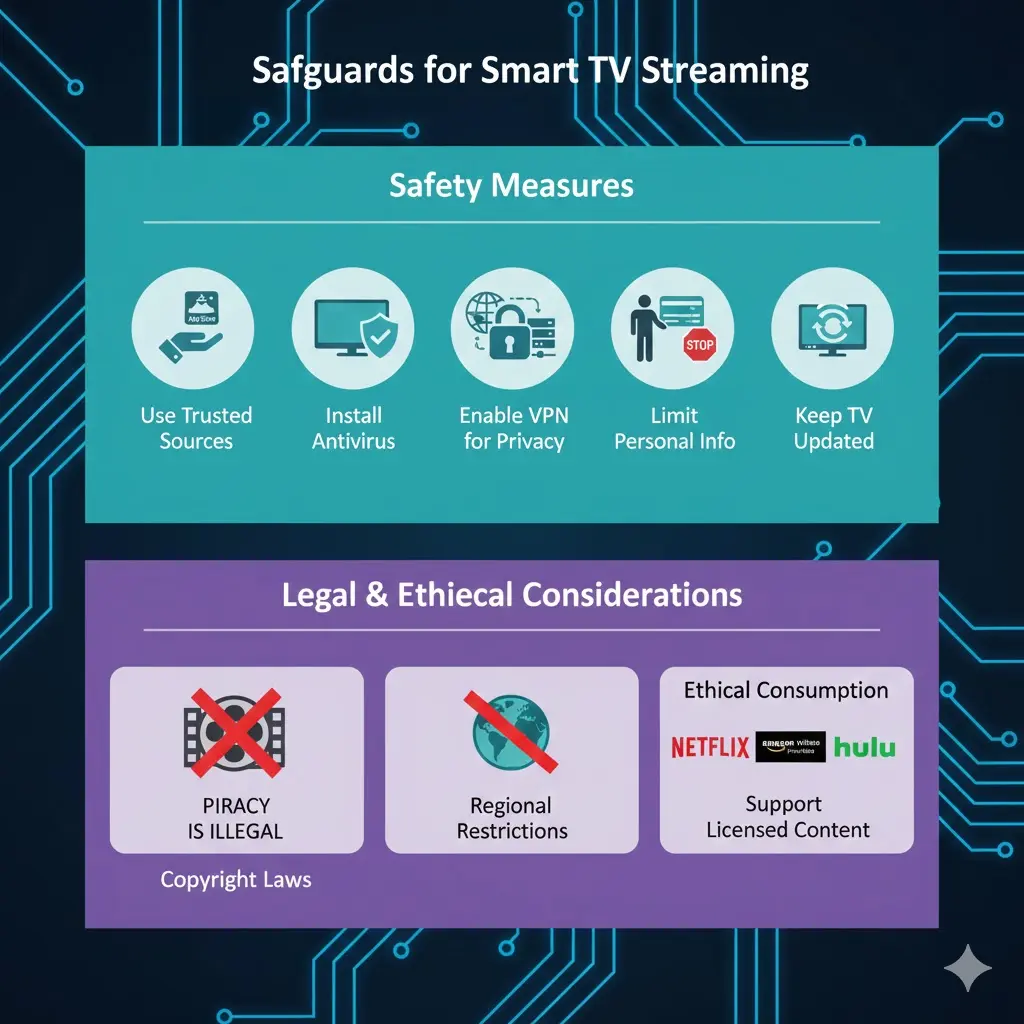
- Use Trusted Sources
Only download the app from reliable sources or official app stores if available. Avoid downloading APK files from random websites, as these may contain malware or tampered versions of the app. - Install Antivirus or Security Apps
Some Smart TVs allow the installation of antivirus or security applications. These can help detect malicious activity or prevent unsafe downloads while using apps like IBO Player. - Enable VPN for Privacy
Using a virtual private network (VPN) can add a layer of privacy and security. A VPN encrypts your internet connection, hiding your IP address and making it harder for potential hackers or trackers to access your data. - Limit Personal Information
Avoid entering sensitive personal information or payment details into the app. Since IBO Player is unofficial, there is no guaranteed protection of your data. - Keep Your Smart TV Updated
Make sure your Smart TV is running the latest firmware version.Manufacturers often release updates that improve security and prevent malware from affecting your device.
Legal and Ethical Considerations
One of the most important aspects of using IBO Player is understanding the legal and ethical implications:
- Copyright Laws:Streaming copyrighted content without proper authorization can be illegal in many countries. Even if the app is free, using it to access content without licensing agreements may violate intellectual property laws.
- Regional Restrictions:Certain channels may be restricted based on your location. Using unofficial methods to bypass these restrictions can sometimes lead to legal issues.
- Ethical Consumption:Supporting licensed streaming services ensures that creators, artists, and broadcasters are fairly compensated for their work.
Alternatives to IBO Player
If you are concerned about legality or security, consider safer alternatives:
- Official Streaming Services:Services like Netflix, Amazon Prime Video, Disney+, and Hulu provide licensed content with regular updates and robust security.
- Official IPTV Providers:Many legitimate IPTV providers offer subscription-based access to live channels, sports, and movies.
- Network Apps:Major TV networks often provide their own apps or websites for streaming, which are safer and legal.
Conclusion
IBO Player can provide access to a wide range of content, including live TV, sports, and on-demand programming, making it appealing to Smart TV users. However, it carries potential risks related to legality, security, and device stability. Because the app is unofficial and not fully regulated, users must exercise caution.
To minimize risks, always download from trusted sources, use VPN and security tools, avoid sharing sensitive information, and consider the ethical implications of streaming unlicensed content. For those who prioritize safety and legality, official streaming services and licensed IPTV platforms are safer alternatives that provide a similar entertainment experience without compromising security or legal standing.
By staying informed and cautious, you can enjoy your Smart TV safely while making thoughtful choices about the apps and services you use.
[elementor-template id=”2191″]